System crashes. Data lost.

Auto-sync local backups.

/ Discover the backup engine

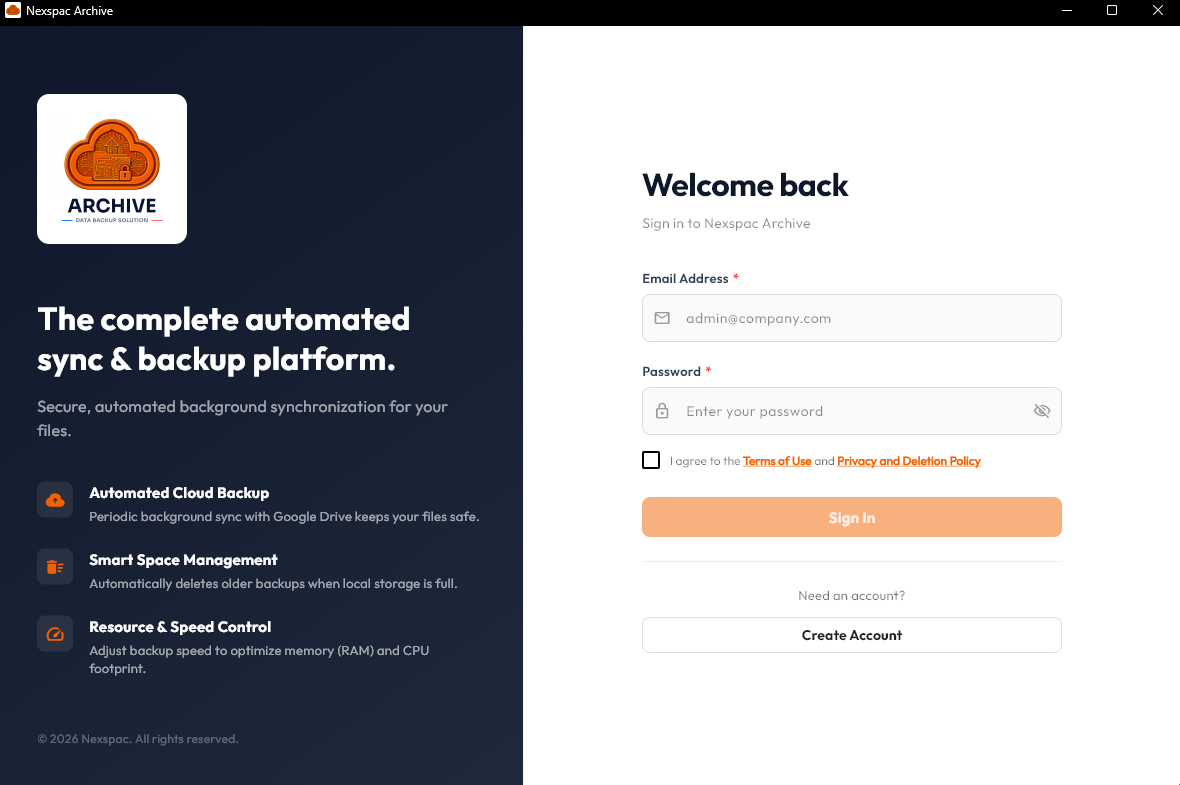
AAccttiivvaattiioonn   LLooggiinn
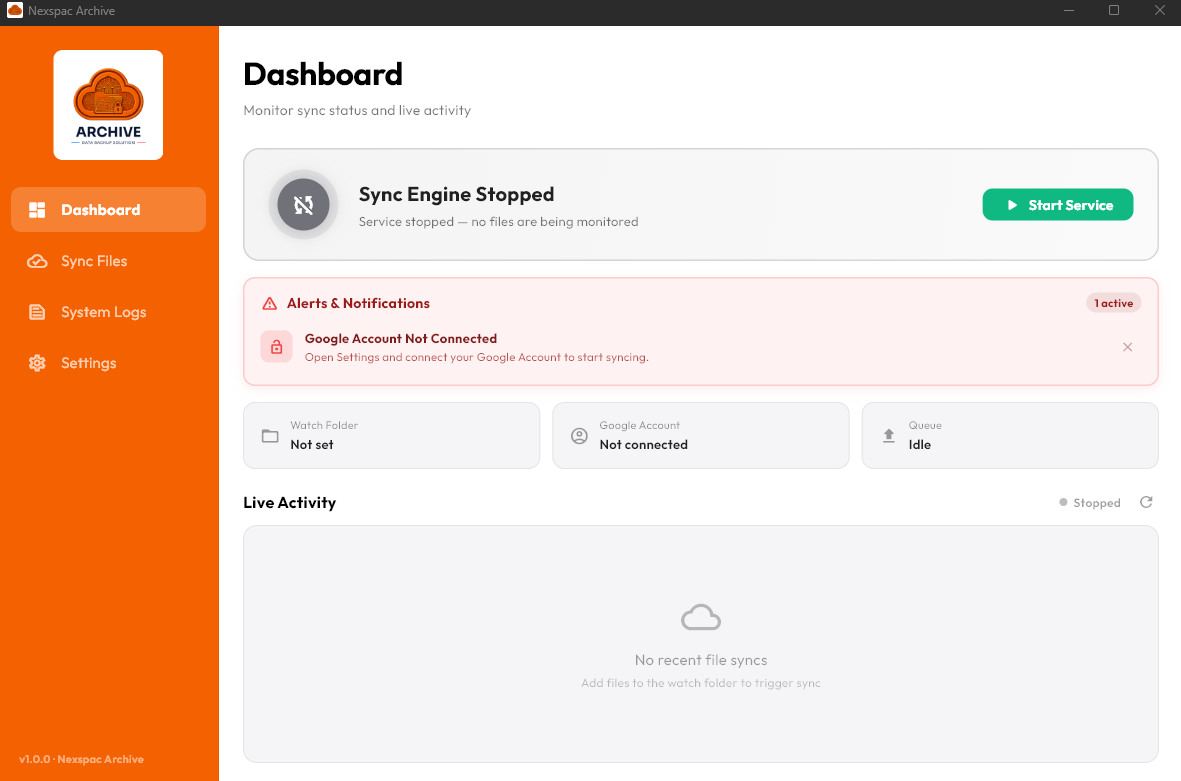
OOvveerrvviieeww   DDaasshhbbooaarrdd
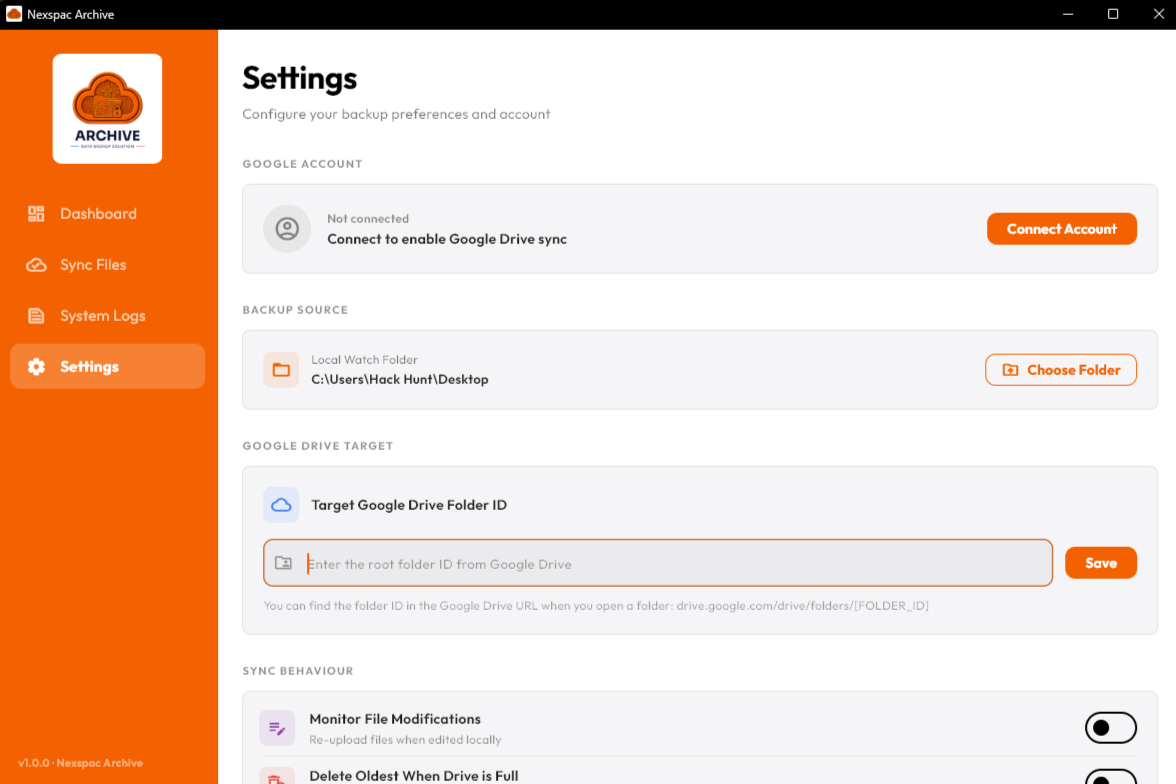
DDiirreeccttoorryy   WWaattcchhiinngg
SSyynncc   EEnnggiinnee   SSttaattiissttiiccss
RReeaall--ttiimmee   AAccttiivviittiieess
Activation Login

Archive

Archive Desktop Client
Backup StatusActive Sync
OS
0Secure Sync
Client Version 1.0.0 • All connections direct to Google APIs

Folder Watcher

Automatic monitoring

Drive Sync

Google Drive storage

Stop Ransomware & Hardware Failure

Key Features & Capabilities

Automated Folder Watching

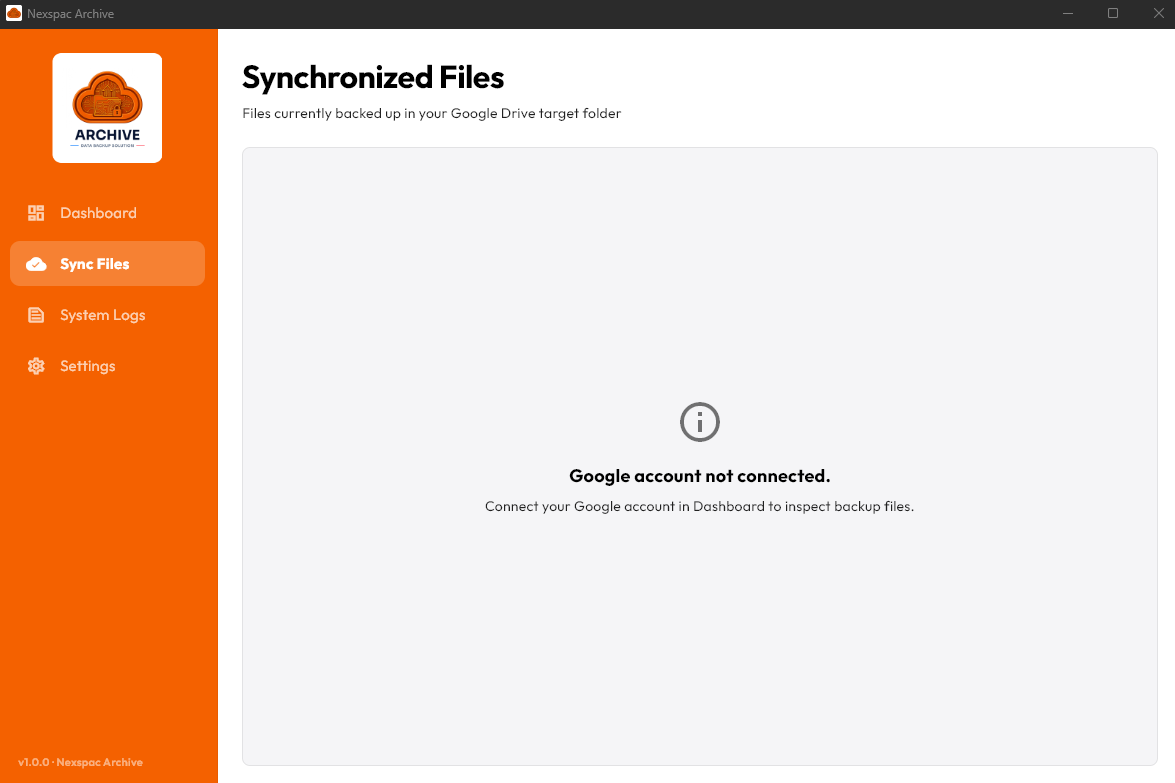
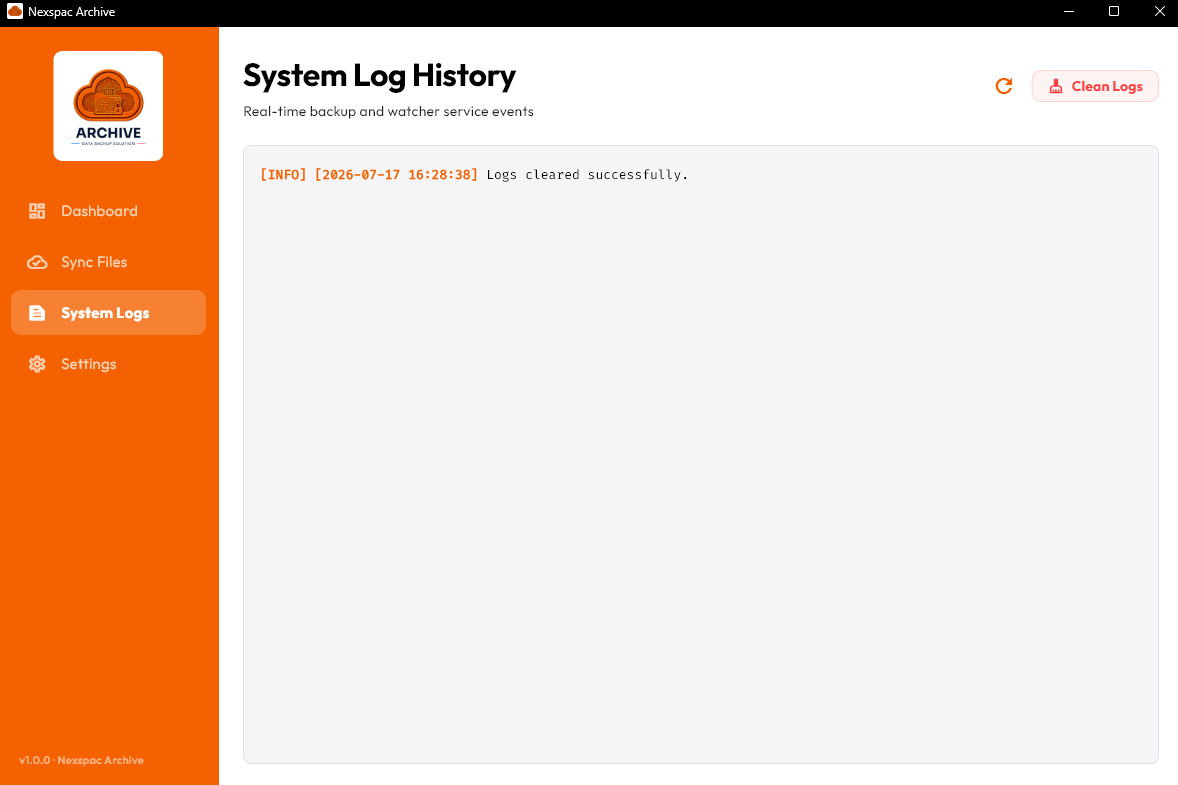
Continuously monitors selected local folders on your computer for new, modified, or deleted files, automatically scheduling uploads.

Google Drive Integration

Authenticates directly and securely with your Google account, uploading backups directly to your personal or enterprise cloud space.

Smart Duplicate Prevention

Detects identical files and sync status in real-time, preventing redundant uploads and saving precious bandwidth and cloud space.

Custom Backup Rules

Choose exactly when to run your backups, enable automatic instant uploads, or select which files to backup by their type and size.

Who is Archive designed for?

Whether you are protecting critical client deliverables or securing personal photos, Archive bridges the gap between local backup and cloud backup.

👔Contractors
💻Freelancers
🏢Businesses
🏠Individuals

Privacy by Design & Zero-Server Transfers

Unlike typical cloud backup services that route your private documents through their own proprietary networks, Archive establishes a direct connection between your desktop client and Google APIs. Your authentication tokens are stored locally on your device within secure system vaults, and file streams go directly to your personal Google Drive account. Owner Space servers never see, store, or analyze your files, offering a true zero-knowledge privacy setup.

Never lose another local backup.

Automatically upload local accounting databases, project files, and documents directly to Google Drive. Keep your business data safe even if your computer crashes or fails.